
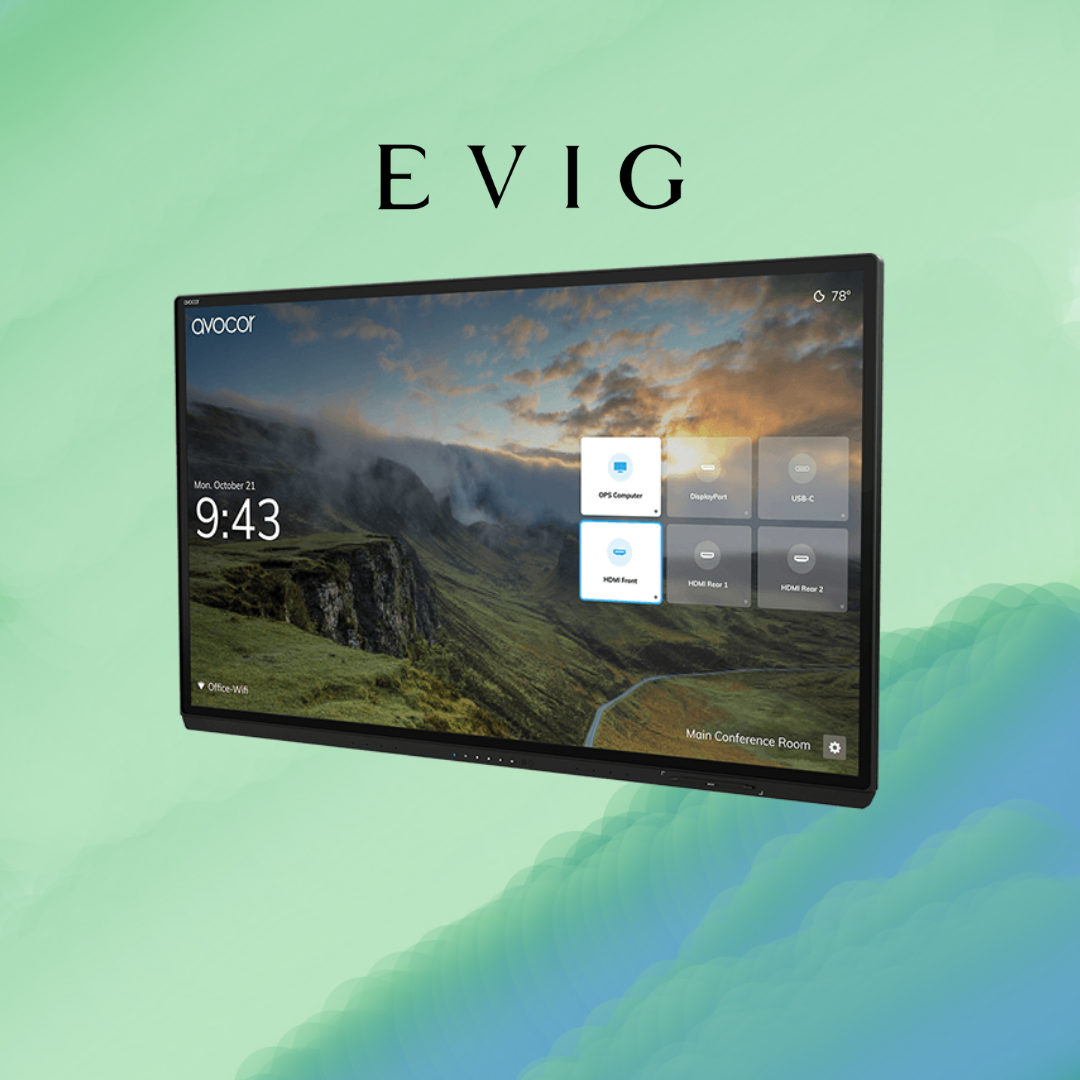
First‑Check Fixes for When Your Avocor G Series Doesn’t Wake Up or Respond
So, you walk into the meeting room, ready to get started. But your screen? It’s just sitting there. Black. Not responding. Annoying, right?
If you’re using the Avocor G Series, here are some quick, easy checks you can try before calling someone for help. No fancy tools or tech tricks needed—just simple steps that usually do the trick.
Check if the Power Is Actually On
This one sounds obvious, but it’s the most common reason the screen isn’t working. Make sure the power cable is firmly plugged in—both at the screen and at the wall.
Look at the small power light on the side or bottom edge. If it’s off, try pressing the power button once. Still nothing? Try holding it down for 3–5 seconds.
Try Waking It Up Manually
The Avocor G Series has a sensor that usually turns it on when someone walks into the room. But sometimes, it misses.
Just tap the screen gently or press the power button. If that doesn’t work, unplug it from the power for 10 seconds and plug it back in. Then try again.
Make Sure the Right Input Is Selected
Sometimes the screen is working fine, but it’s set to the wrong input—so it looks like nothing’s happening.
On the screen, look for the little home icon or tap the screen to bring up the source menu. Pick the one that matches the cable you plugged in (HDMI, USB-C, etc.).
If you’re using a laptop, make sure it’s connected to a power source. Try another computer if needed to test.
Restart the Connected Device
If the display is on but not reacting to your laptop or device, restart the computer or tablet. Many times, it’s the laptop that’s stuck, not the display.
Unplug the cable, wait a few seconds, plug it back in, and then restart the device. You’d be surprised how often this solves the issue.
Try the USB-C Cable
The Avocor G Series supports USB-C. If your laptop has a USB-C port, try using that instead of HDMI. It often works better and faster.
Just one cable gives you video, sound, internet, and touch all in one shot. This device is super handy, and it cuts down on cable mess.
Clean the Screen (Yes, This Helps!)
If the screen is on, but it’s not responding to touch properly, it might be dirty.
Use a soft cloth (not wet) and gently wipe the screen. Use no strong cleaners—just a quick clean to remove smudges or dust. It helps the touch feature work better.
Keep It Updated (For Next Time)
Once your screen is working again, take a minute to check for updates. The Avocor G Series comes with built-in software tools like FUSE and Montage.
These help manage updates and let you share your screen wirelessly. Keeping everything updated means fewer issues in the future. Try setting updates to run at night or when the room isn’t being used.
Check the Remote or On‑Screen Menu
If the power button doesn’t work, try using the remote (if you have one) or the on-screen menu. Sometimes the touchscreen gets stuck, but the menu still works.
This is a quick way to see if the system is frozen or responding slowly.
Look for a Loose Cable or Adapter
If someone recently unplugged or moved something, a cable might be slightly loose—especially HDMI or USB connections.
Make sure all cables are properly connected on both ends. Even a half-plugged cable can make the screen stop responding.
When in Doubt, Reach Out
If nothing works and the screen still won’t wake up or respond, don’t stress. You can always reach out to Evig, the trusted audio visual equipment supplier Dubai.
Evig is the official distributor of Avocor in the UAE and across the Middle East. They know this stuff inside out. Whether it’s setup help, fixing issues, or finding the right cables or mounts, they’ve got your back.
Final Thoughts
If your Avocor G Series isn’t turning on or responding, don’t stress. It’s usually something small—like a loose cable or the wrong input. Try a quick power check, restart your laptop, or switch cables.
A gentle screen clean can help with touch issues, too. If nothing works, reach out to Evig, the trusted audio visual equipment supplier Dubai. They’re the official distributor for Avocor in the region and can resolve issues quickly. A few small checks often fix the issue and get you back on track.